
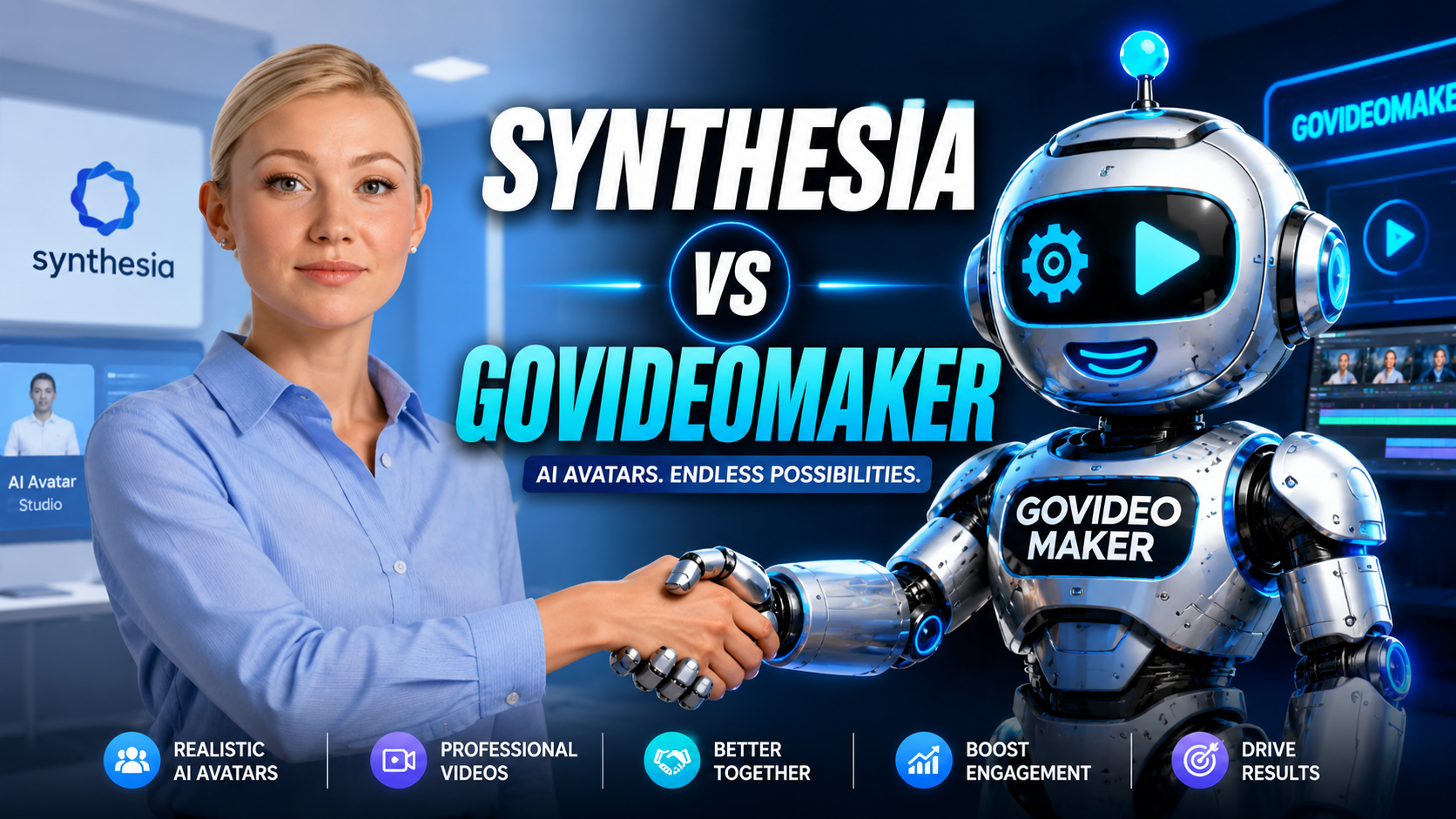
Short answer: Synthesia is a corporate-grade AI avatar platform built for training, onboarding, and multilingual explainer videos — strongest when you’re producing a steady stream of content in-house and can plan around its per-minute limits. GoVideoMaker is a done-for-you service for business owners who want a finished, ready-to-post video without managing minute caps, seats, or an editor dashboard at all.
If you searched “Synthesia review” or “Synthesia alternative” to land here, this breaks down what Synthesia actually costs, who it’s genuinely built for, and when a done-for-you option makes more sense than a self-serve platform.
What Is Synthesia?
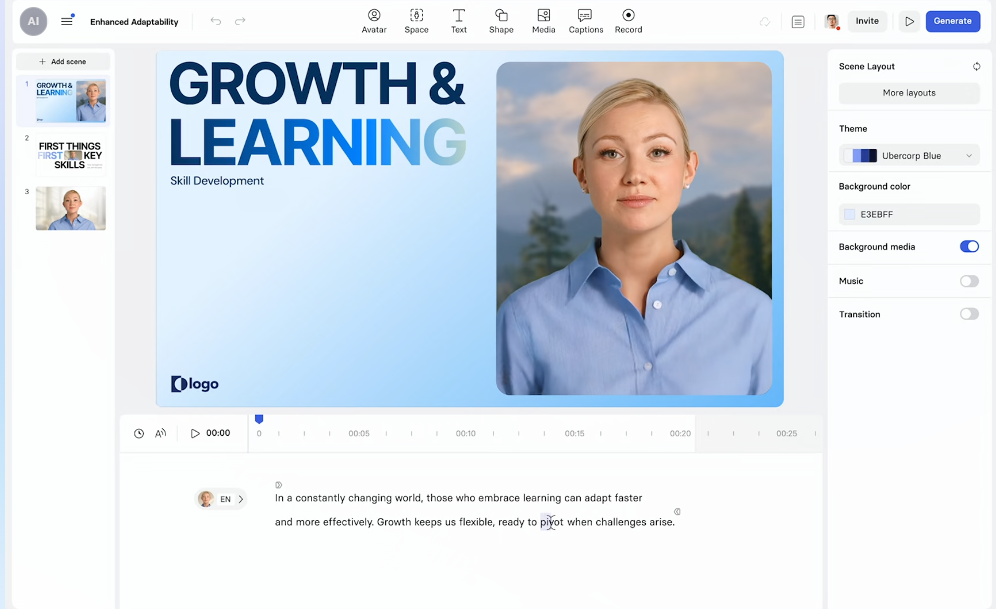
Synthesia is one of the largest AI avatar video platforms on the market, best known for corporate use cases — think employee onboarding videos, internal training modules, and multilingual product explainers. It leans heavily into the business/enterprise side of AI video rather than social-first content, with features like SCORM export for learning management systems and PowerPoint-to-video conversion built specifically for that audience.
Synthesia Pricing in 2026 (What You’ll Actually Pay)
Where HeyGen prices by credits, Synthesia prices primarily by video minutes per month, which sounds simpler — but the minute caps on lower tiers catch a lot of new users off guard.
| Plan | Monthly Price | What You Get |
|---|---|---|
| Free (Basic) | $0 | ~10 min/month, watermarked, 9 stock avatars, 1 seat |
| Starter | $29/mo (~$18/mo billed annually) | ~10 min/month, logo removed, expanded avatar library, AI dubbing |
| Creator | $89/mo (~$64/mo billed annually) | ~30 min/month, personal avatars, multi-avatar scenes, API access |
| Enterprise | Custom | Unlimited minutes, SSO, SCORM export, dedicated onboarding |
The number worth sitting with: Starter gives you roughly 10 minutes of finished video per month — about enough for one short explainer, a couple of 2-minute clips, or one longer piece if you use your full allowance in one go. If your content plan calls for more than that, you’re looking at Creator ($89/mo) or negotiating Enterprise pricing, since overage purchases on lower tiers don’t unlock the features — Enterprise-only features like SSO and SCORM export stay locked regardless of how much you top up.
What People Like About Synthesia
- Built for business, not just content creators — training, onboarding, and internal comms use cases are clearly the priority, and it shows in the feature set
- Strong multilingual/dubbing support — a natural fit for companies localizing training or product content across markets
- PowerPoint-to-video conversion — a genuinely useful shortcut for teams that already have slide decks and just need them turned into presenter-led video
- Clear enterprise path — SSO, SCORM, and dedicated onboarding give IT/compliance teams what they need to approve it company-wide
Where Synthesia Gets Frustrating (Based on Public Reviews)
- The minute cap is the real constraint, not the sticker price. Several independent breakdowns point out that teams tend to outgrow the Starter and even Creator tiers quickly once real production volume kicks in — the headline price looks affordable until you map it against how much video you actually need to publish.
- Compliance features are Enterprise-only, full stop. SCORM export and SSO — features some teams assume are just a paid add-on — are gated entirely behind the custom Enterprise tier, with no way to unlock them on Starter or Creator no matter how much you spend.
- It’s built for a specific use case. Reviewers note Synthesia is strongest for talking-head, presenter-style corporate content — if your content plan leans more social-first, creative, or fast-turnaround, other tools (including Synthesia’s own comparisons) are frequently recommended instead.
Where GoVideoMaker Fits In
If your takeaway from the section above is “I don’t want to plan my content calendar around a minute cap, I just want the video made” — that’s exactly the gap GoVideoMaker fills.
Instead of a per-minute subscription you manage yourself, GoVideoMaker is a done-for-you AI video production service: you describe what you want to promote, explain, or train your team on, and our team handles the scripting, generation, and editing. You get a finished video — no minute budget to track, no dashboard to learn.
This isn’t a claim that GoVideoMaker replaces Synthesia for every use case — they solve different problems:
- Choose Synthesia if you’re a company that needs an in-house, ongoing pipeline for training/onboarding content, and you’re prepared to budget around minute caps and (eventually) Enterprise pricing.
- Choose GoVideoMaker if you want a finished video delivered without operating a platform, tracking minutes, or managing seats yourself.
Quick Comparison
| Synthesia | GoVideoMaker | |
|---|---|---|
| Who does the work | You (self-serve software) | Our team (done-for-you) |
| Pricing model | Per-minute subscription tiers | Project-based |
| Best for | Corporate training, onboarding, multilingual explainers produced in-house | Business owners who want a finished video without managing a platform |
| Compliance features (SSO/SCORM) | Enterprise tier only | Not applicable — handled on our end |
| Learning curve | Moderate — plan-tier and minute-cap planning required | None — you describe the idea, we deliver |
FAQ
Is Synthesia worth it in 2026? For companies with an ongoing need for training or onboarding video and the budget to plan around minute caps, Synthesia’s business-focused feature set is a strong fit. The value depends heavily on how much video you actually need monthly — casual or occasional users often find the Free or Starter tier’s minute limit too tight for real production use.
What’s the real difference between Synthesia and GoVideoMaker? Synthesia is software you operate yourself, priced by video minutes. GoVideoMaker is a service where a team produces the finished video for you, with no minutes or seats to manage.
Do I need SSO or SCORM export? Only if your organization requires single sign-on for security compliance, or you’re distributing training content through a learning management system. If neither applies to you, Synthesia’s lower tiers — or a done-for-you alternative — will likely cover your needs without paying for Enterprise.
Can I try Synthesia for free before deciding? Yes — Synthesia’s Free plan includes a limited number of watermarked minutes per month, which is enough to test avatar quality and the editor before committing to a paid tier.
Pricing and plan details are based on publicly available information as of mid-2026 and may change — always confirm current pricing on Synthesia’s official site before purchasing. This article reflects our independent opinion and is not sponsored by or affiliated with Synthesia.
Have an idea worth turning into video? Start a Project →
Create Better Videos, One Useful Idea at a Time.
Get practical video marketing strategies, AI video tips, and creative inspiration delivered to your inbox.

You May Also Like