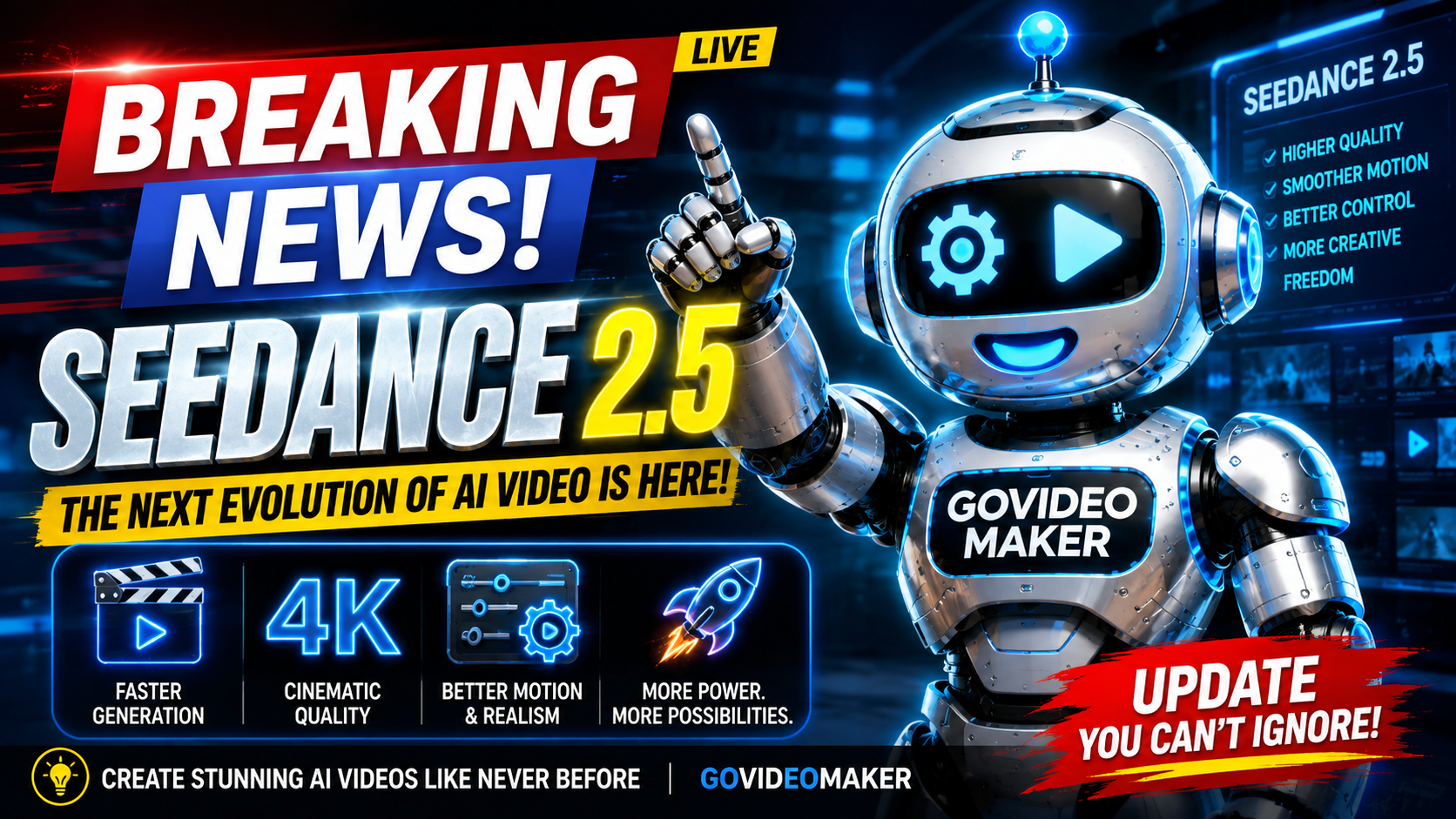
There’s a new name showing up in AI video circles lately, and it’s worth understanding even if you never touch it yourself: Seedance 2.5, ByteDance’s latest video generation model. If you’ve seen unusually smooth, cinematic AI clips floating around lately and wondered what was behind them, there’s a decent chance it was this.
Here’s the thing worth knowing upfront: Seedance isn’t an app you sign up for like HeyGen or Synthesia. It’s a model — the engine running underneath other platforms, like Dreamina, Jimeng AI, OpenArt, and Hedra. Think of it less like a piece of software and more like the “processor” powering several different tools at once.
What’s Actually New in 2.5
A few things stand out from ByteDance’s own release notes and early hands-on coverage:
Longer, single-take clips. Where most AI video tools are still capped around 5–15 seconds, Seedance 2.5 generates a full 30-second clip in one pass — no stitching multiple generations together to reach that length. That matters more than it sounds: stitched clips tend to have visible seams (lighting jumps, character drift). A native 30-second take avoids that entirely.
It can actually tell a story. ByteDance’s example is a good one — a one-take clip of a performer that moves from a dressing-room conversation, through a backstage hallway, meeting other dancers, and onto the stage — a real beginning-middle-end within a single generation, not just one moment stretched longer.
A lot more reference material. Up to 50 combined images, video clips, and audio files can be fed in at once to guide a single generation. That’s a meaningful jump from most tools, which typically handle a handful of references before quality drops off.
Less of that “AI look.” A recurring criticism of AI video has been the uncanny, slightly-too-smooth texture on skin, objects, and lighting. ByteDance specifically called out improvements here — texture, lighting, and color work that’s meant to read closer to live-action footage than earlier AI generations.
Region-level editing. Instead of regenerating an entire clip to fix one detail, some platforms running Seedance 2.5 let you draw a box around just the part that needs changing — a product label, a face, a background element — and only that region gets re-rendered.
Why This Matters Even If You’ll Never Touch a Model Directly
Most business owners aren’t going to sit down and prompt-engineer a video model themselves — and honestly, that’s fine. The reason this kind of release is worth paying attention to isn’t “go learn Seedance.” It’s that the ceiling for what AI video can look like keeps rising, fast enough that content produced even a year ago can start to look dated by comparison.
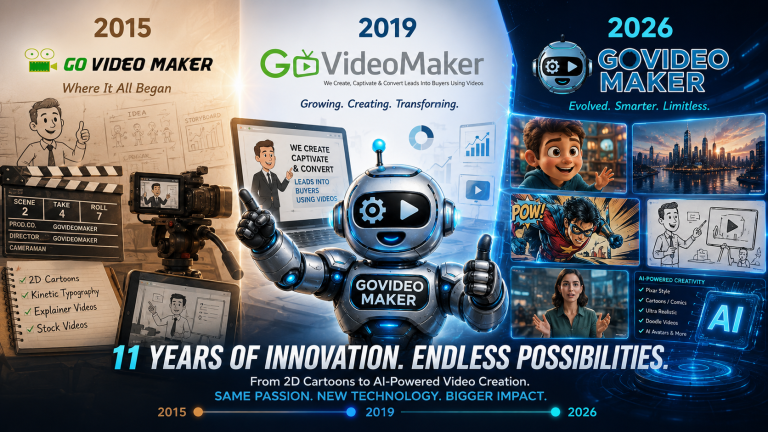
This is exactly the gap a done-for-you service exists to close. At GoVideoMaker, keeping up with which models produce the best results for a given type of video — talking-head, product demo, social ad, cinematic brand piece — is part of the job, so business owners don’t have to track model releases, compare reference-input limits, or figure out which platform has the least “AI look” this month. You describe what you want; we handle which engine gets you there.
The Practical Takeaway
If you’re evaluating AI video tools for your business, the model underneath a platform matters more than most people realize — two tools can look similar on the surface while producing very different results depending on what’s actually generating the footage. Seedance 2.5 is a strong signal of where the whole category is heading in the second half of 2026: longer native clips, better storytelling within a single generation, and fewer of the visual tells that used to make AI video easy to spot.
Worth knowing the name. Not necessarily worth learning to operate yourself.
Create Better Videos, One Useful Idea at a Time.
Get practical video marketing strategies, AI video tips, and creative inspiration delivered to your inbox.

You May Also Like