You can have a great camera, expensive lighting, beautiful graphics, and the latest AI tools.
And still make a video people scroll past.
That’s one of the strange things about video marketing.
We often spend so much time thinking about how a video looks that we forget to ask the more important question:
Why would someone want to keep watching it?
For businesses, a good video doesn’t necessarily need to look like a television commercial.
It needs to earn attention, communicate something useful, and give the viewer a reason to care.
Here are a few things we think matter much more than having an expensive production setup.
1. Give People a Reason to Stop
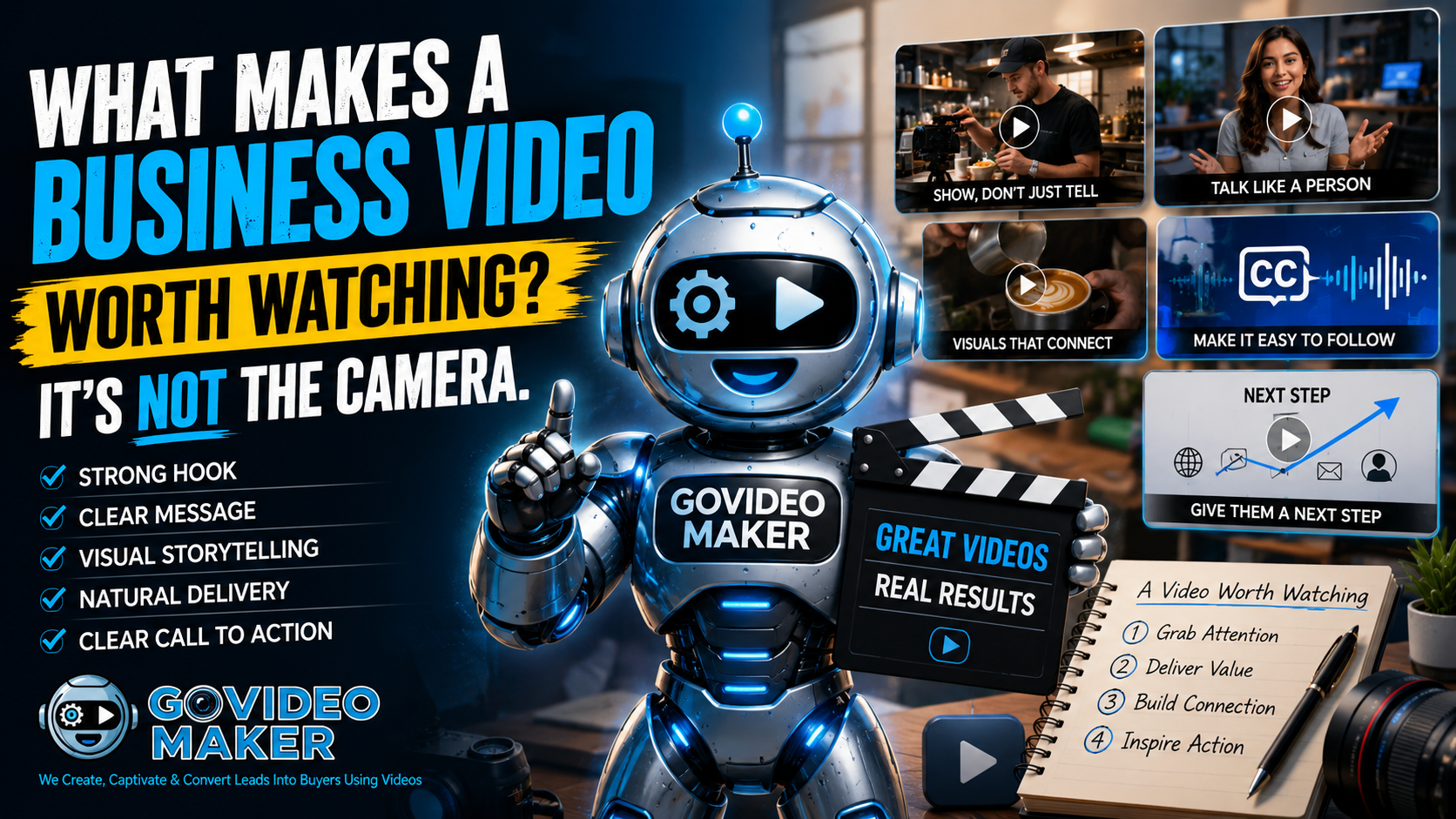
The first few seconds matter.
But that doesn’t mean every video needs to start with:
“STOP SCROLLING!”
A good hook can simply create curiosity.
Imagine a roofing company starting a video with:
“This tiny crack could become a very expensive problem after the next heavy rain.”
Or a restaurant showing its best dish being served before saying anything at all.
Or a real estate agent opening with:
“Here’s what ₱3.5 million gets you in this neighborhood.”
Each one gives the viewer a reason to stay.
The hook isn’t there just to get attention.
It should lead naturally into the rest of the message.
2. One Video Doesn’t Need to Say Everything
This is an easy mistake to make.
A business has ten things it wants customers to know, so it tries to squeeze all ten into one video.
The result?
The viewer remembers none of them.
Instead, decide what one thing the video needs to accomplish.
Maybe you want someone to understand how your service works.
Maybe you’re answering one common customer question.
Maybe you’re demonstrating one product feature.
Maybe you’re announcing an offer.
That’s enough.
You can always make another video.
In fact, turning one big subject into several focused videos usually gives you more useful content anyway.
3. Show Whenever You Can
Video is a visual medium.
That sounds obvious, but plenty of business videos still spend most of their time telling viewers things they could be showing them.
If you’re talking about a product, show it.
If you’re explaining a process, show parts of the process.
If you’re talking about a property, show the property.
If you’re explaining software, show the screen.
If you’re describing a transformation, show the before and after.
This is also where B-roll becomes incredibly useful.
The person speaking doesn’t have to remain on screen for the entire video. Cut away to visuals that reinforce what they’re saying.
The video immediately becomes easier to follow.
4. Make It Understandable Without Sound
Think about how people actually encounter videos online.
Someone may be scrolling while sitting in a waiting room.
Another person may be commuting.
Someone else may simply have their phone muted.
That’s why captions, visual demonstrations, graphics, and clear editing can matter.
Here’s a simple test we like:
Watch your video once without sound.
Can you still understand what it’s about?
Then try the opposite.
Listen without looking at the screen.
Does the message still make sense?
It doesn’t need to work perfectly in both situations, but this test quickly reveals where a video may be relying too heavily on only one element.
5. Don’t Add Effects Just Because You Can
Modern video tools give us an enormous number of options.
Transitions.
Animations.
AI-generated environments.
Motion graphics.
Visual effects.
Talking photos.
Virtual presenters.
Sometimes those things can make a video significantly better.
Sometimes they just make it busier.
A good question to ask before adding something is:
“Does this help the viewer understand or feel something?”
If the answer is yes, use it.
If the answer is simply, “It looks cool,” think twice.
There’s nothing wrong with making something visually impressive.
But the effect should support the message rather than compete with it.
6. Talk Like a Person
This becomes especially important when using AI to help write scripts.
A technically perfect script can still sound strange when somebody actually says it aloud.
For example:
“In today’s rapidly evolving digital landscape, businesses must leverage innovative video solutions to maximize engagement.”
Technically fine.
But would you actually say that to a customer?
Probably not.
Something like this sounds much more natural:
“Getting people to notice your business online isn’t getting any easier. Video can help—but only if people actually want to watch it.”
Same general idea.
Very different feeling.
After writing a script, read it aloud.
If you stumble over a sentence or it doesn’t sound like something you’d naturally say, rewrite it.
7. Give the Viewer Somewhere to Go
You’ve captured their attention.
They watched.
Now what?
This is where many business videos simply end.
A call to action doesn’t always have to mean:
BUY NOW!
It depends on where the viewer is in their journey.
You might ask them to:
Visit your website.
See the full product.
Request a quote.
Follow for more tips.
Send you a message.
Watch another video.
Book a consultation.
The important thing is to make the next step clear.
The Best Video Format Depends on the Message
This is something we’re going to talk about frequently on the GoVideoMaker Blog.
There isn’t one “best” type of business video.
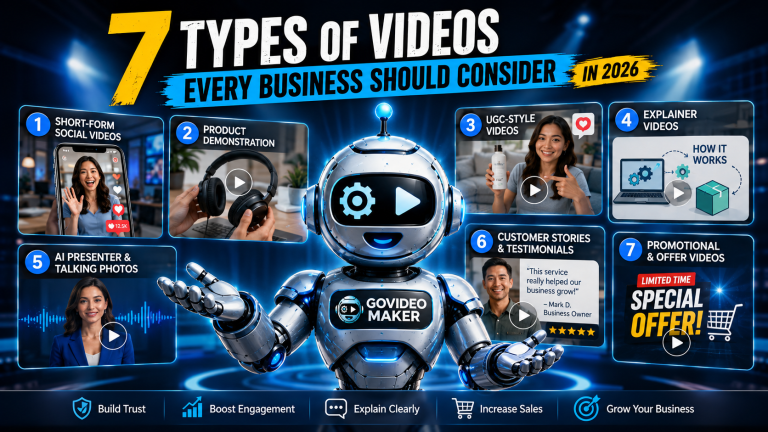
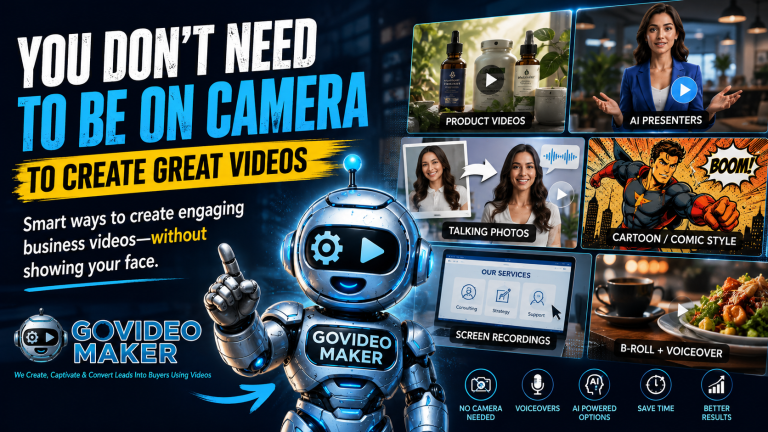
A talking-head video can work.
So can a product demonstration.
Or an AI presenter.
Or animation.
Or a screen recording.
Or a voiceover combined with B-roll.
Or something created almost entirely with AI.
The question isn’t:
“Which video technology should I use?”
A better question is:
“What does my audience need to see, hear, or understand?”
Start there.
Then choose the simplest format capable of communicating it well.
Because ultimately, your customers aren’t going to remember which editing software you used.
They’re going to remember whether the video was worth watching.
Want to Turn Your Next Idea Into a Video Worth Watching?
Tell GoVideoMaker what you want to promote, explain, sell, or share.
We’ll help determine the right format and turn the idea into video.
Create Better Videos, One Useful Idea at a Time.
Get practical video marketing strategies, AI video tips, and creative inspiration delivered to your inbox.

You May Also Like